Dollar General Penny List
This is a community-reported list of Dollar General penny items — products that have finished DG's clearance cascade and now ring up $0.01 in the store's system. Right now we're tracking 50,867 DG penny SKUs, refreshed 2026-10-21. Unlike Dollar Tree, Dollar General has no in-store price scanner, so the way to confirm a penny is the Dollar General app's barcode scanner. Match the item exactly, scan it, and buy the ones that ring a cent.
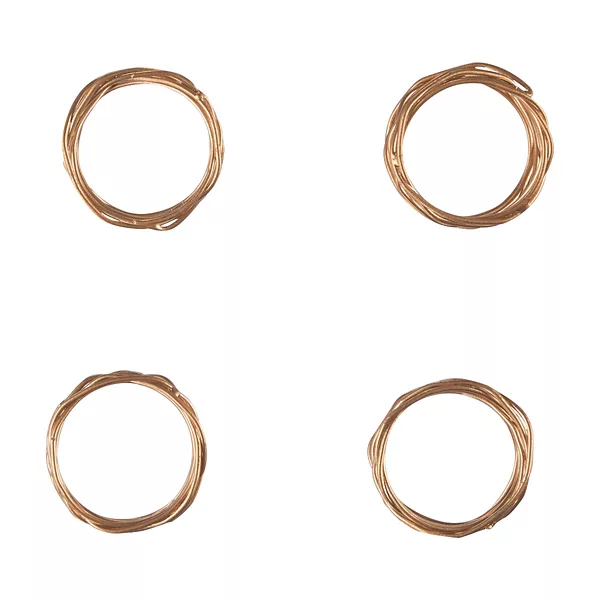
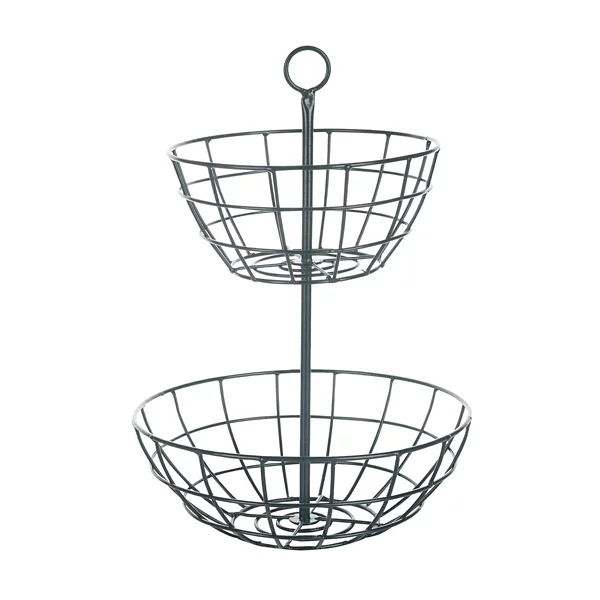
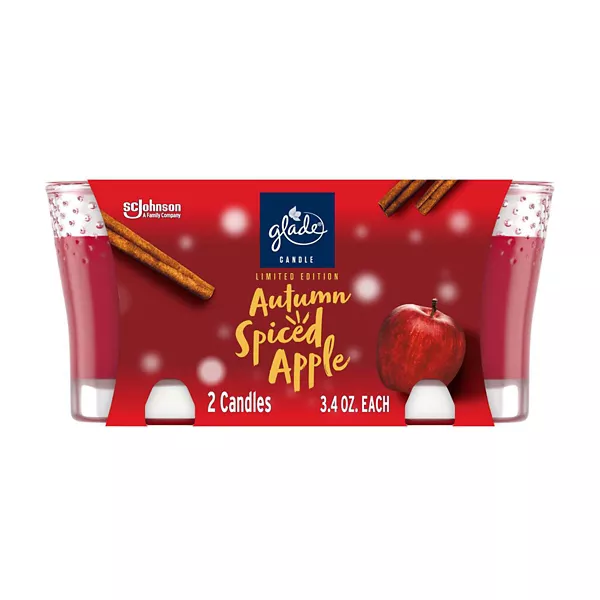
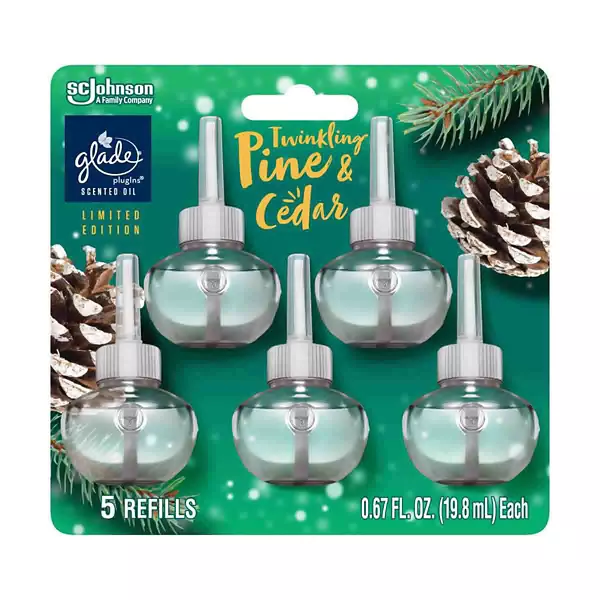
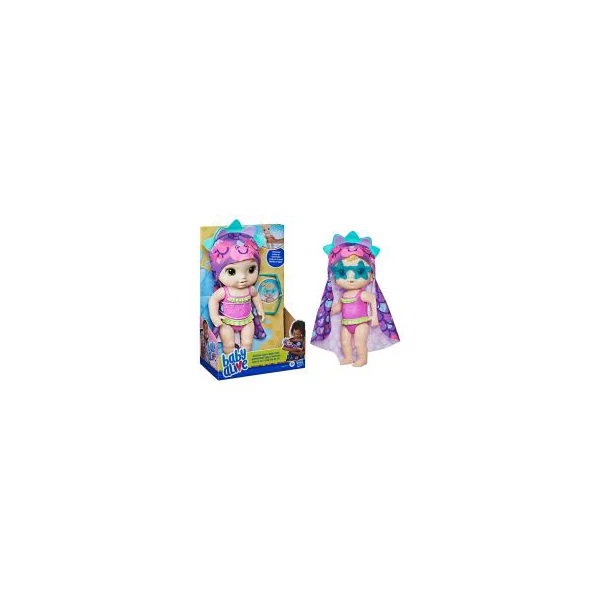
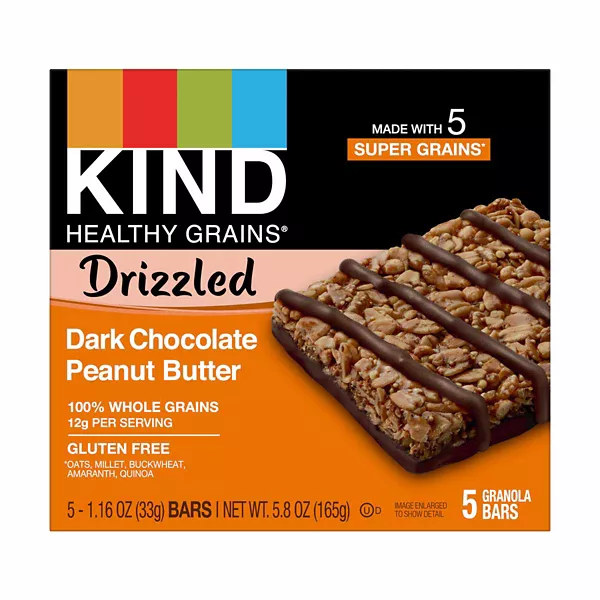


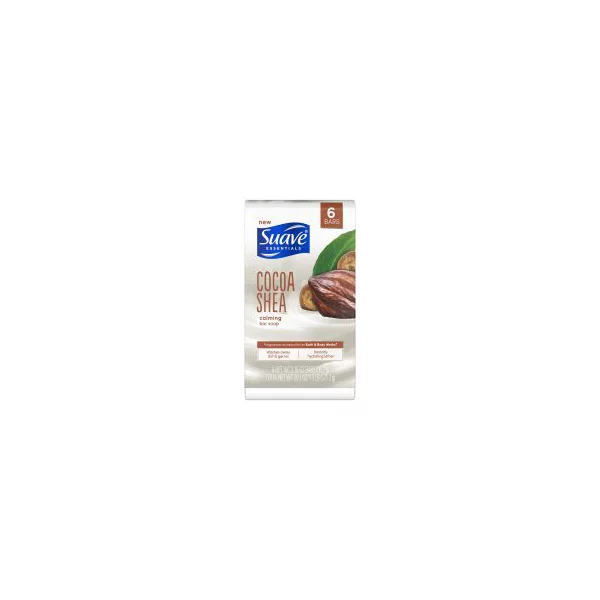
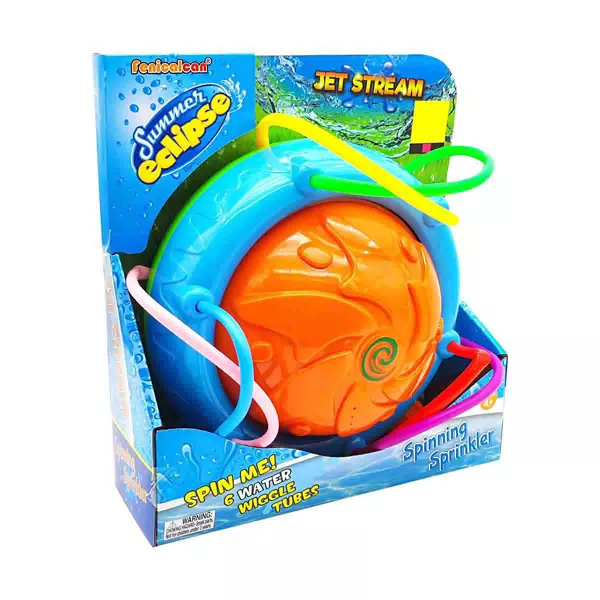
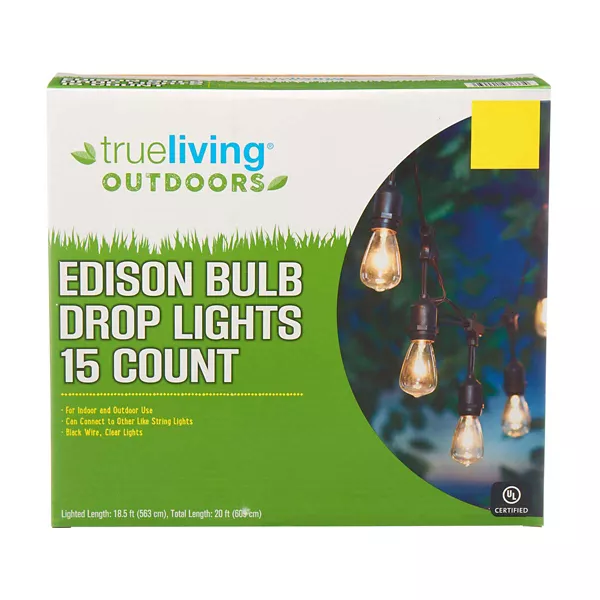



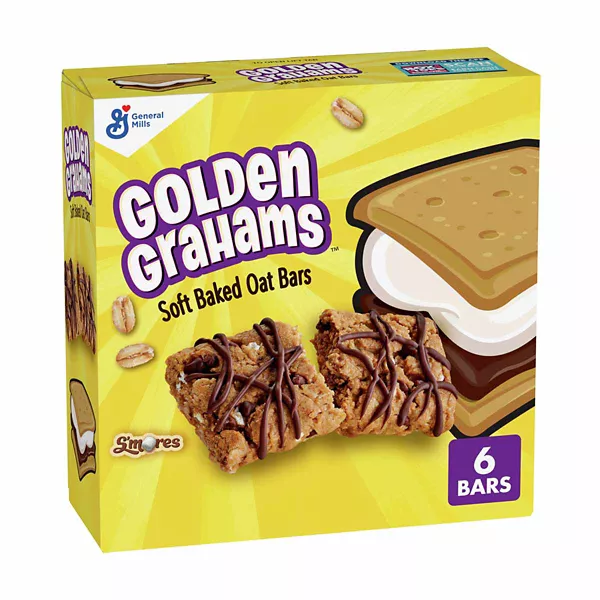

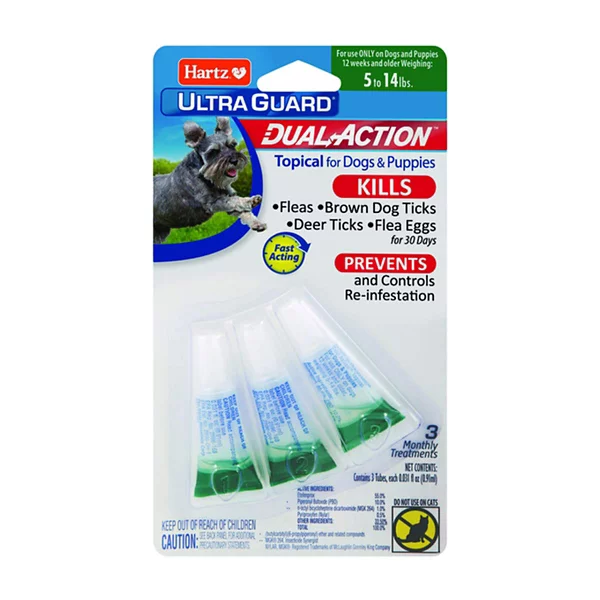
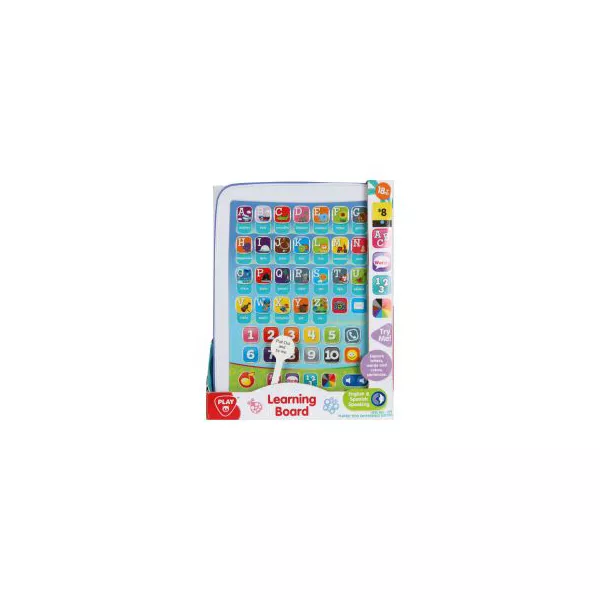
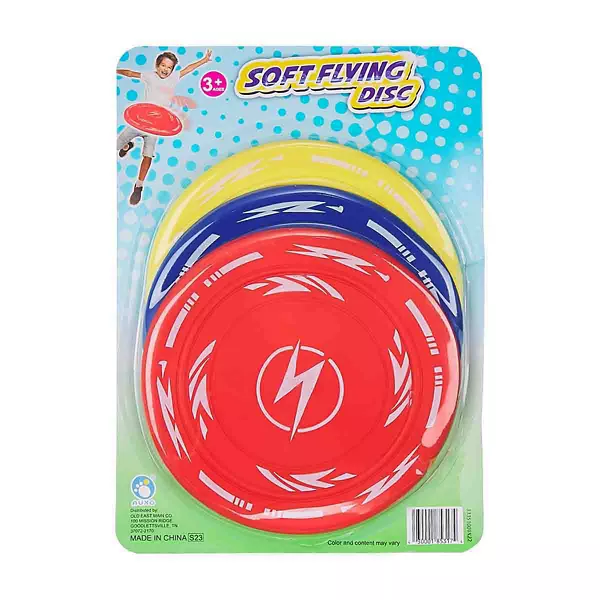
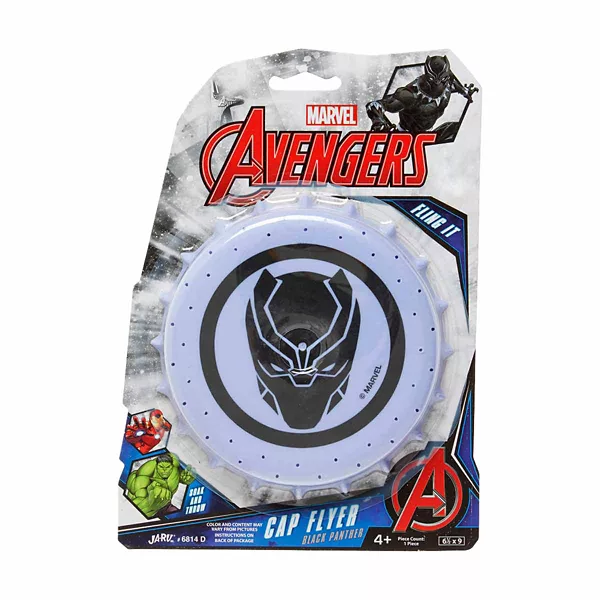
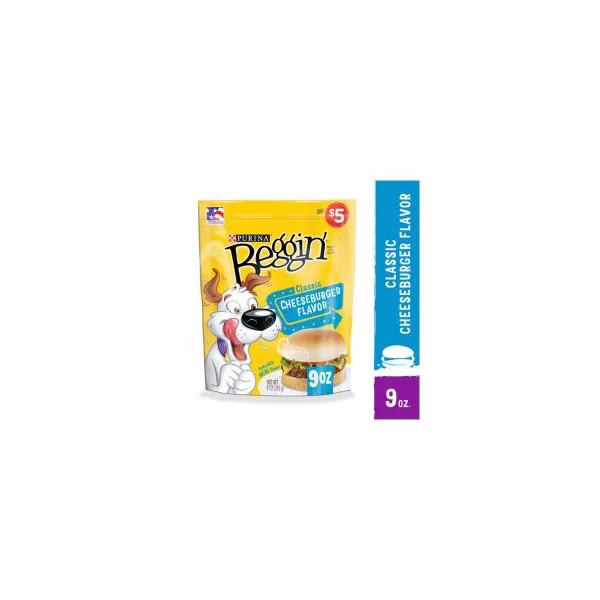
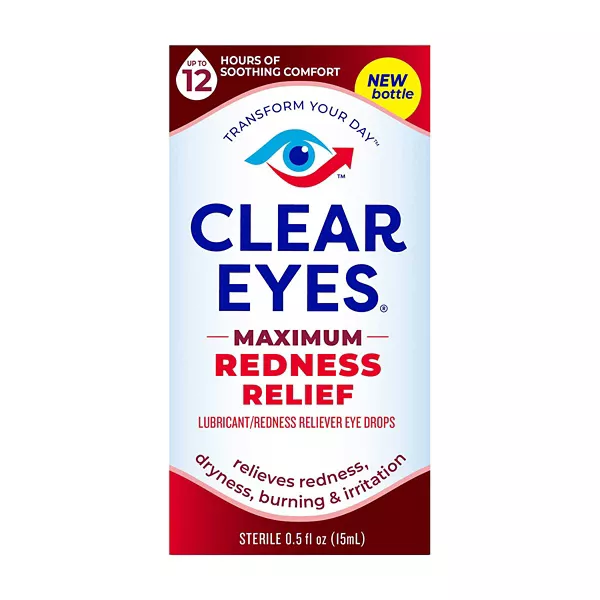

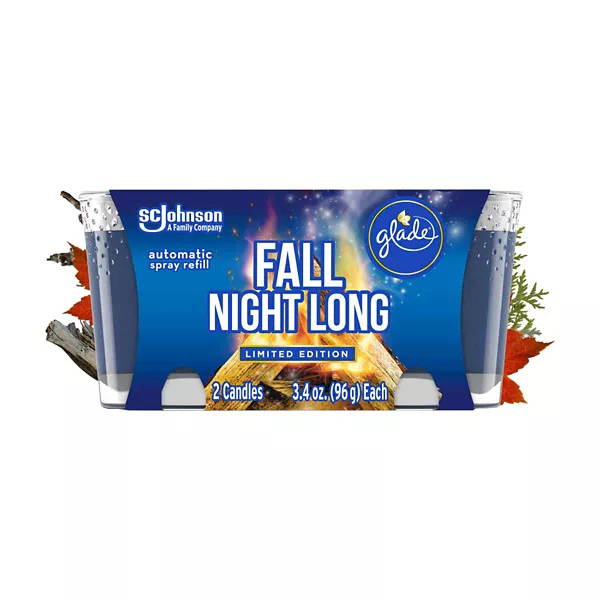
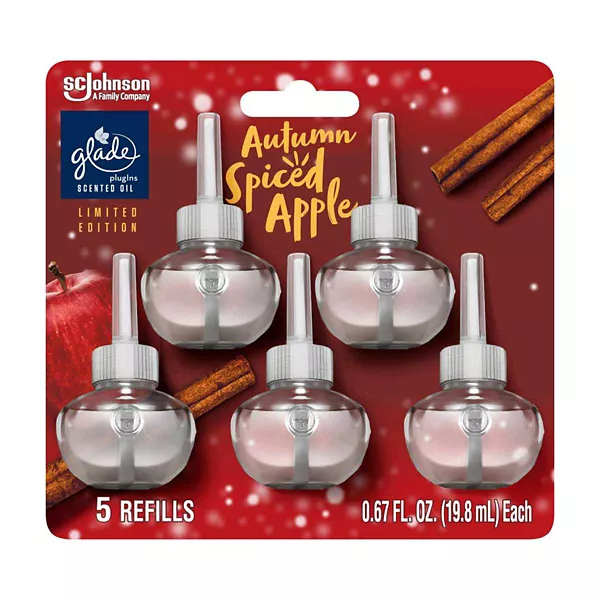
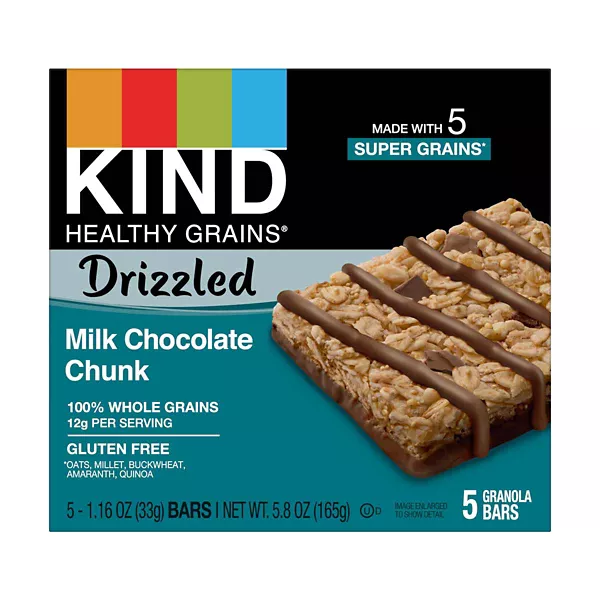

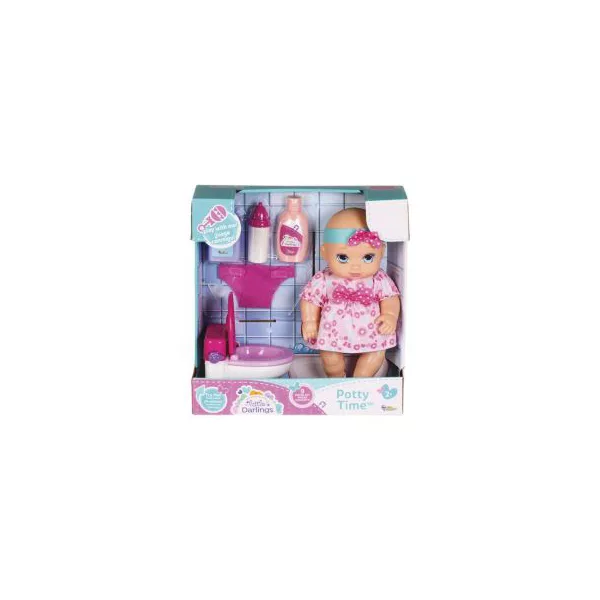

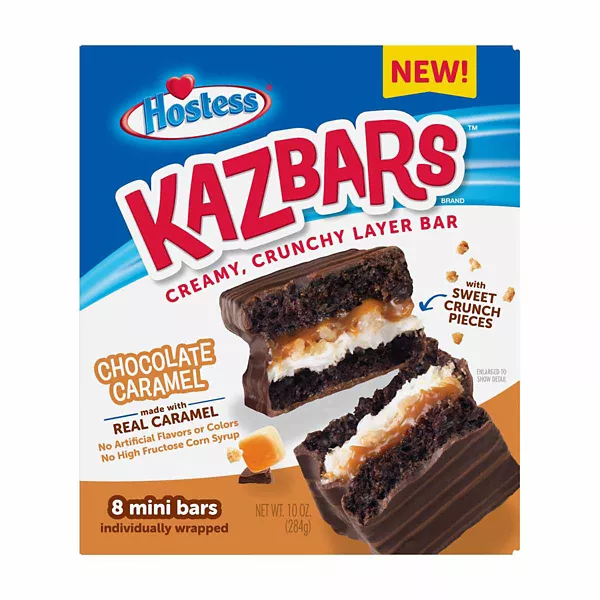


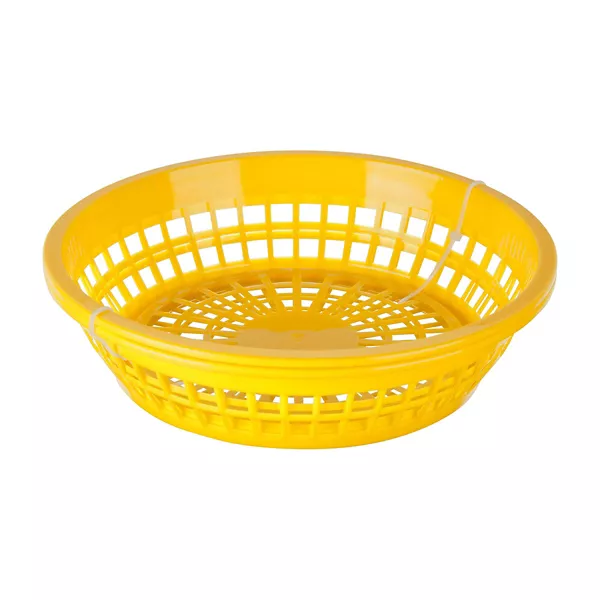
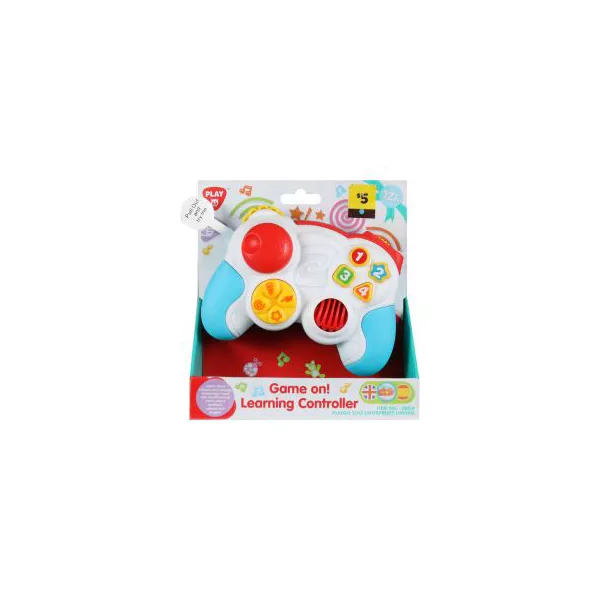
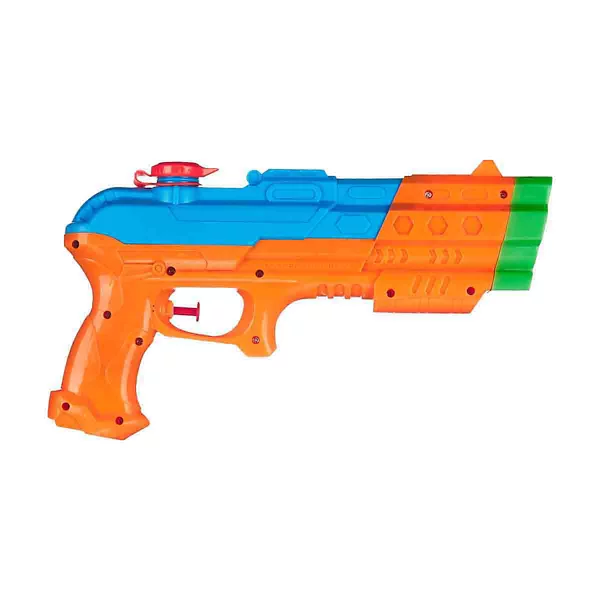
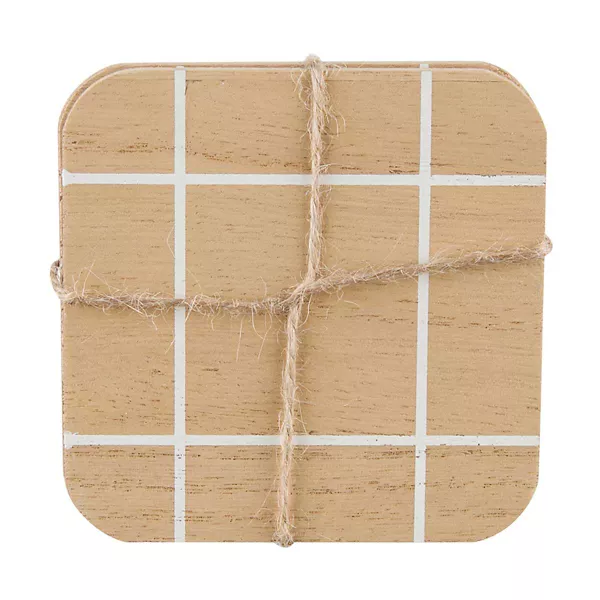

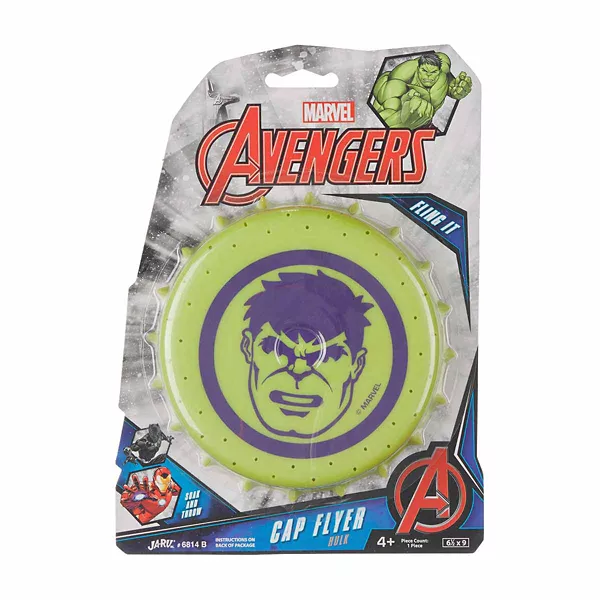
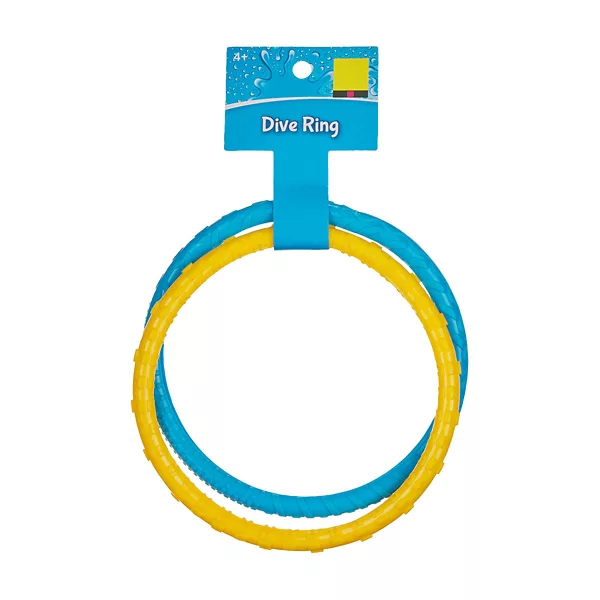
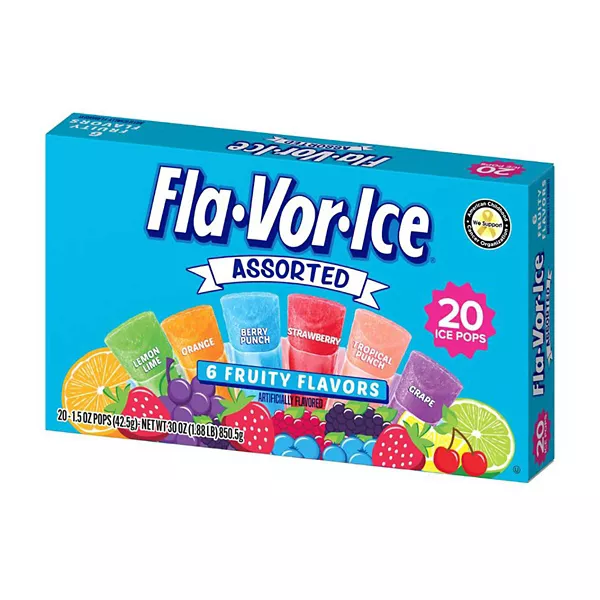
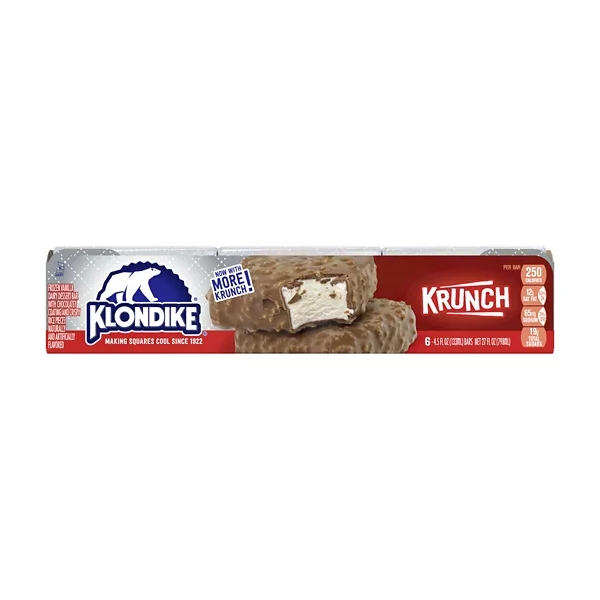
Showing the 60 newest. See the full live database for all of them.
How do you confirm a penny item at Dollar General?
Dollar General stores don't have the wall-mounted price checkers you'll find at Dollar Tree, so the DG app is your scanner. Download the official Dollar General app, sign in, and set your store so prices reflect that location. Open the barcode scanner (top-right in the app) and scan the item — if it shows $0.01, it's a live penny at that store. Update the app before each trip; an out-of-date version can show stale prices. No phone signal in the store? Pull the list and UPCs up before you go, or use the store's Wi-Fi.
Do you have to match the exact item for a Dollar General penny?
A penny is tied to one specific SKU, so size, count, scent, and flavor all matter — a 6-count and a 12-count of the "same" product are different items, and only the exact match pennies out. Watch for packaging changes: when a product gets new label art or a tweaked formula it usually gets a brand-new barcode, and the old version is the one that pennies — so the full-price new version and the pennied old version can sit side by side looking nearly identical. The barcode you scan is the only thing that settles it.
Where do penny items hide in Dollar General?
Penny items are discontinued products that should have been pulled but are still out — so they turn up in the least-maintained spots. Check clearance sections, endcaps, seasonal aisles, and the top and bottom shelves, and look behind other products where items get pushed back. Dusty or out-of-season items are good candidates. New to the hunt? Our beginner's how-to walks through the whole trip.
Two more that regulars swear by. Look up: Dollar General stores overstock on the steel shelf above the aisle, and a pull list gets worked at eye level — the floor units go, the backup cases overhead stay, same dead item number. And check the clip strips, the hanging strips of product on shelf edges and endcaps: they sit outside the planogram, so a reset passes them by and pennied stock can hang there for months.
What day do new penny items appear at Dollar General?
Dollar General's system updates overnight Monday, so new pennies and fresh markdowns usually appear Tuesday morning (some stores lag to later Tuesday or Wednesday on newer registers). A Tuesday or Wednesday trip catches the freshest cascade before other shoppers clear it. Items at 90% off are the ones about to drop — note them and check back.
Unless your store is being remodeled — then the wave lands on a Sunday and takes whole categories with it. See Dollar General remodels.
And expect Tuesday to look picked over already. Older Dollar General process documentation puts the shelf sweep on Monday — staff work the pull list a day before the system flips the price. So by the time an item is actually worth $0.01 on Tuesday morning, the ones that were going to be pulled have gone. That is process, not staff hoarding, and it reframes the whole trip: you are looking for what one person missed, in one store, on one pass. Treat it as background — the documentation is some years old and execution varies enormously between stores, which is the only reason anything survives to be found.
What does $0.00 in the Dollar General app mean?
Scan enough items and the Dollar General app will eventually show you $0.00 rather than a price, and you will find confident advice in both directions about it. Some penny sites treat $0.00 as the tell that an item has gone to a penny. At least one long-running tracker says the opposite — that it "means literally nothing", because the app returns it for out-of-stock and clearance items too, and that a true penny shows $0.01.
We are not going to pick a side we cannot evidence, but we can explain why it is ambiguous: $0.00 is not one state, it is several. A real penny reads a penny. A zero can equally mean the item has no price on file for your store at all, or that it is something priced at the register rather than on the shelf — a gift card or prepaid card loaded to whatever amount you ask for has no shelf price to show. Damaged stock written off to zero is a third case, and that merchandise is destroyed rather than sold, so it never reaches a shelf for you to find. The app shows all of these the same way.
The safe reading, then: $0.01 is the confirmation, $0.00 is a maybe — interesting enough to put the item in your basket and find out at the register, not enough to plan a trip around.
How is this Dollar General penny list kept current?
Dollar General's prices never appear online, so no site can show a live per-store DG price. This list is compiled from the penny-shopping community and confirmed by shoppers in real stores, with the UPC and the date each item pennied. A penny is set by corporate nationwide, but availability is local — an item confirmed in one state may already be pulled in another — so treat the list as what to look for, and let the DG app scan be the truth for your store. For whether they'll actually sell it, see the Dollar General penny policy.
What the DG app gets wrong when you scan
The app is the only price checker Dollar General gives you, and it misreports in a handful of well-known ways. None of these mean the item isn't there, and none of them are your phone's fault — they are the app disagreeing with the shelf in front of you. These are reported by penny shoppers, not measured by us, so treat them as what to watch for.
- “Not sold in store” means nothing. You can be holding the item and still get this. Scan it anyway.
- “Out of stock” means nothing. Same thing — it usually means the store's inventory count is off, not that the shelf is empty.
- A zero in your app list means nothing. You never know how many are really in the store until you are standing there, and nothing tells you an item is a penny except scanning the actual barcode.
- The fake $0.00 screen. A glitched scan can show $0.00 with no product description under it. A real penny names the product. That missing description is the tell — scan at least twice before you count on any $0.00.
- The random-item scan. Scan a vase, get a $2.50 candle; scan a candle, get a $59 baseball bat. Read the description, not just the price — if it does not match what is in your hand, the scan is not about your item.
The habit that defends against all five is the same: scan twice, and read the description before you trust the price. It costs a few seconds and it is the difference between a real penny and a wasted trip to the register.
FAQ
Why does the Dollar General app say “not sold in store” for something I am holding?
That message is a known app quirk and does not mean the item is unavailable. The same goes for “out of stock” and for zero counts in your app list — they usually reflect an inventory count being off rather than an empty shelf. The only way to know whether something is a penny is to scan the actual barcode, so scan it anyway.
The app showed $0.00 but the item was not a penny. What happened?
A glitched scan can display $0.00 without a product description under it, where a real penny names the product. If you see $0.00 with no description, scan again — shoppers recommend scanning at least twice before counting on any $0.00. Note this is a display glitch in Dollar General's own app, not something visible in the online catalog, so no website can warn you about it in advance.
How do I scan for penny items at Dollar General?
Use the Dollar General app. Download it, set your store location, open the barcode scanner (top-right), and scan the item — if it rings $0.01 it's a penny. Dollar General has no in-store price checker, so the app is how you confirm prices quietly, without asking an employee.
Is there a Dollar General penny list with UPCs?
Yes — the list on this page shows current DG penny items with their UPC/barcode, updated as the community confirms them. Match the exact size, count, and flavor, then scan the barcode in the DG app to confirm it's live at your store.
What day is the Dollar General penny list updated?
New penny items generally take effect Tuesday, after an overnight Monday system reset (some stores update Wednesday). Deal communities typically post the week's list a few days ahead so you can plan a Tuesday trip. Remodels run to a different clock — those markdown waves are widely reported to land on a Sunday.
Does Dollar General have a price scanner in the store?
No — unlike Dollar Tree, Dollar General stores don't have wall-mounted price checkers. You verify prices with the Dollar General app's built-in barcode scanner instead. Set your store in the app so the price matches that location.
Why doesn't an item ring up as a penny when I scan it?
Usually it's not an exact match (a different size or count, or a newer barcode from a packaging change), the item hasn't reset yet that week, or it was already pulled at your store. Double-check the exact SKU and try scanning in the app; a penny set by corporate still depends on your local store's inventory.